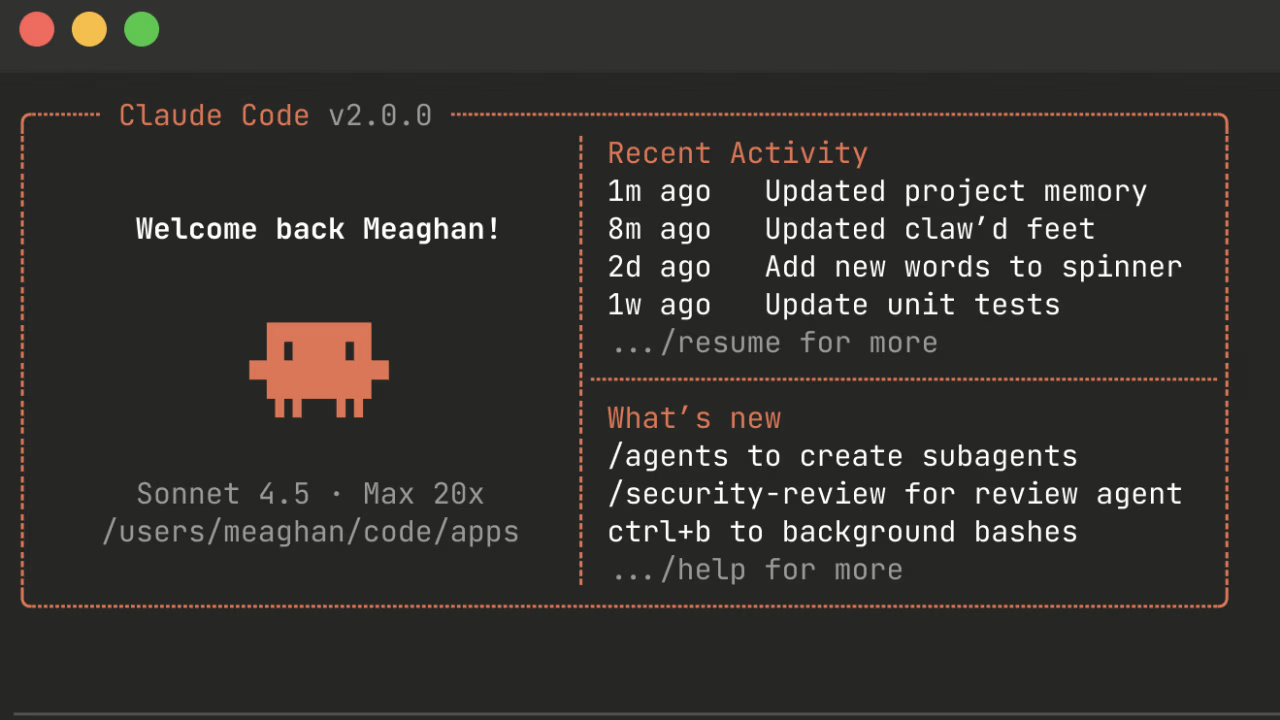


What is Claude Code's Caveman Mode?
If you use Claude Code regularly, you know token costs can spike fast. Every verbose response, every clarification you didn't ask for... it all adds up on your API bill. Enter Caveman, one of the most popular token-saving skills for Claude Code of 2026.
This Claude Code extension was built by developer Julius Brussee and forces a minimalist response style: no unnecessary words, no fluff, no filler pleasantries. Just the information that matters. The documented result: up to 75% fewer tokens consumed, with the same technical precision. It's the easiest Claude optimization tool to activate, with immediate ROI.
Why do you save so many tokens?
Most AI responses are packed with words that add nothing: "Of course, I'd be happy to help...", "As I mentioned earlier...", "It's important to note that...". Caveman cuts all of that.
- No unnecessary articles (the, a, an...)
- No filler phrases or pleasantries
- No hedging ("could be", "perhaps", "kind of")
- Direct, no-fluff answers
See how it works in this video
This creator tested it in depth and the results speak for themselves:
How to activate it?
Activating Caveman in Claude Code is dead simple. Just type /caveman in your conversation, or just say "speak like a caveman". To switch back, type "normal mode".
Furthermore, it has 6 intensity levels:
- Lite – Removes only hedging
- Normal – Cuts filler and pleasantries
- Hard – Heavily compressed responses
- Ultra – Aggressive abbreviations
- Extreme – Borderline unreadable
- Wenyan – Classical Chinese patterns for maximum compression
Is it worth using it?
If you use Claude Code heavily, absolutely yes. Saving tokens means saving money on your API bill. The skill has over 5,000 stars on GitHub, hitting #1 trending. It's not a niche hack — it's a serious tool for serious devs.
You can install it from the official repository: github.com/juliusbrussee/caveman
Frequently Asked Questions
What is Claude Code's Caveman Mode?
Caveman is a Claude Code skill that forces the AI to answer like a caveman: no articles, no fluff, no pleasantries. The result is up to 75% fewer tokens consumed while keeping full technical accuracy.
How do you activate Caveman mode in Claude Code?
Type /caveman in your conversation with Claude Code, or just say 'speak like a caveman'. To turn it off, use 'normal mode'. It has 6 intensity levels from Lite to Wenyan (Classical Chinese).
How much does Caveman mode actually save in tokens?
According to independent testing, Caveman cuts output token consumption by 65% to 75%. On projects with heavy Claude Code use, that can save tens of euros per month in API costs.